Rebuilding classroom workflows fortens of millions of students and teachers
Client
Typing.comRole
Senior Product Designerfrontend developmentux strategyillustrationTimeline
2017 - 2020Full timeCategory
web appeducationadministrationproduct design
Summary
The Challenge
Classroom software fails when it adds friction at scale: dozens of students, limited time, constant context switching. Teachers needed faster assignment and monitoring workflows; students needed clearer progress cues to stay motivated. The challenge was reducing cognitive load without flattening the nuance of learning paths and performance signals.
- Make progress legible for teachers and students
Improved progress visibility so teachers could spot issues earlier and students could track their own growth over time.
- Streamline assignment and classroom workflows
Reduced steps for creating, assigning, and adjusting curriculum work across classes.
- Reduce navigation ambiguity
Reworked information architecture so 'where am I' and 'what's next' were instantly clear.
- Design for real classroom constraints
Prioritized quick scanning, bulk actions, and resilient UI states for busy, time-pressured classrooms.
Design Approach
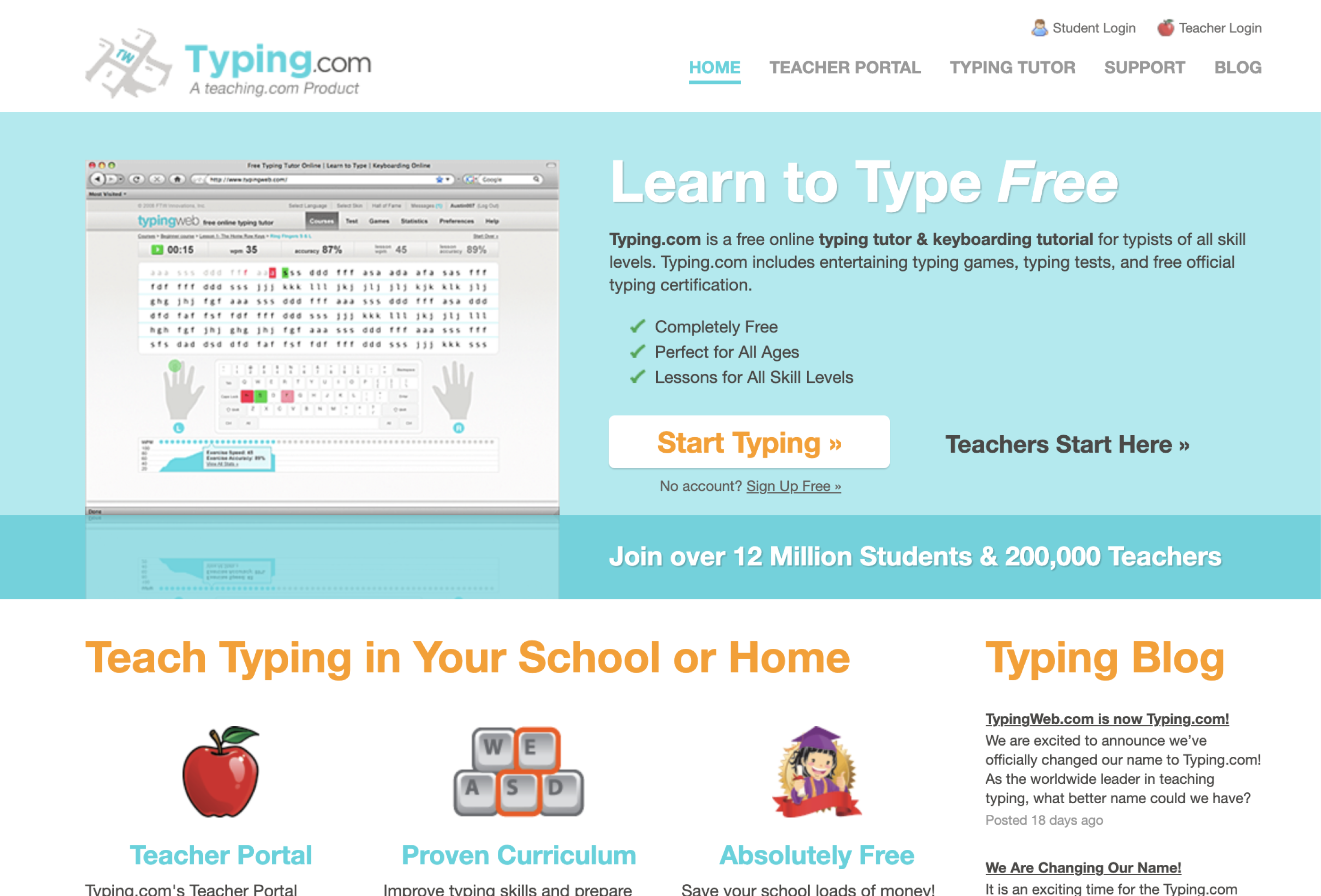
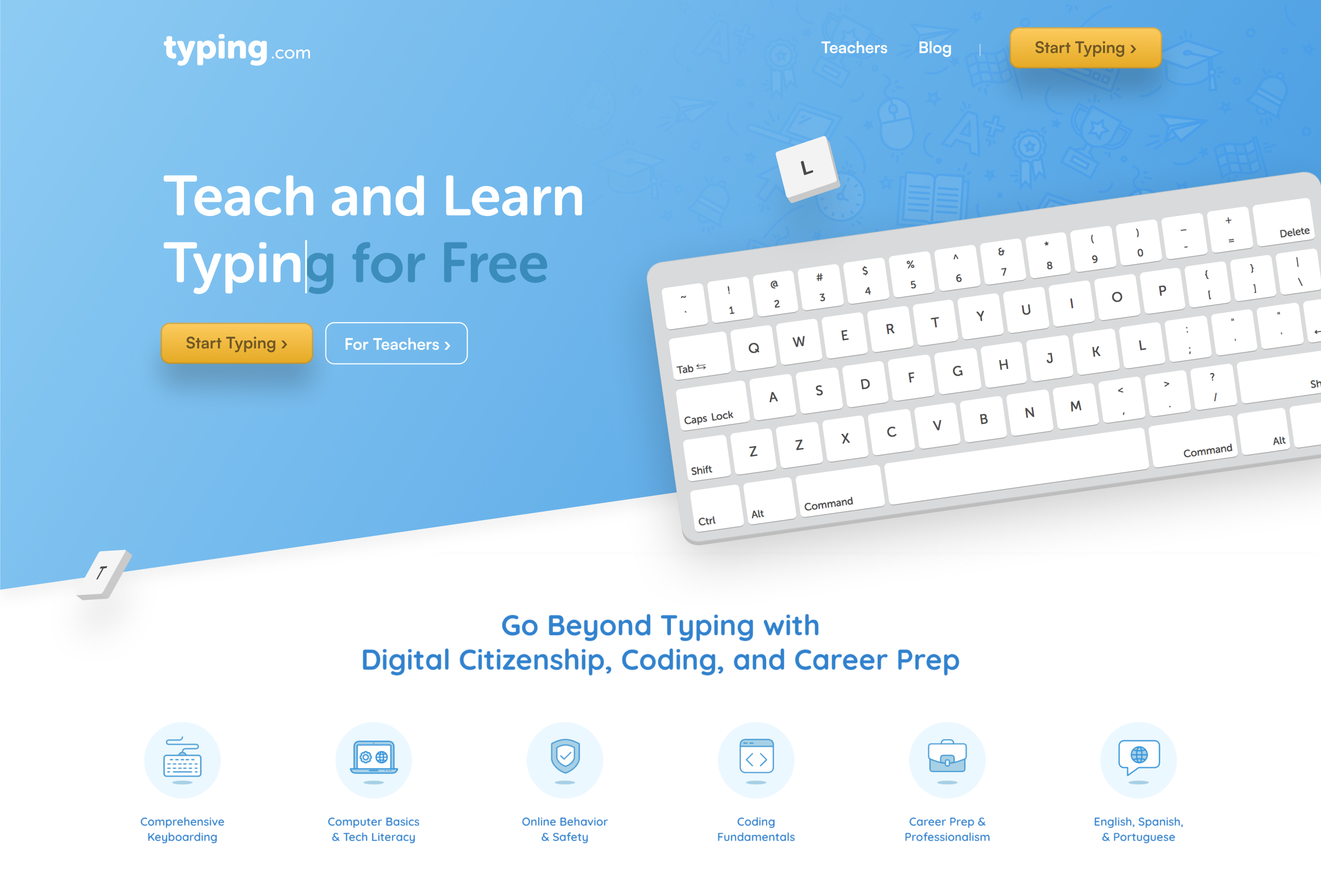
Sales site redesign - before and after